Publish one Markdown document on an existing Energon, then open its browser link and keep it for later use. Choose the browser path if the file is on your machine, or the agent path if your agent has it, because both create the same kind of published loose file.
Publish your first document
Before you begin
Have a Markdown file ready and review its contents before publishing. You need your Energon’s hub address and permission to sign in. For agent publishing, complete Connect an agent first.
Publish through your agent
Ask your connected agent to publish a file it can access:
Publish launch-brief.md on our Energon for seven days. Give me the browser link and keep the agent link for later reference.The agent checks this Energon’s retention options, publishes the document, and reports the returned link and expiry. If seven days is unavailable, choose a lifetime the host supports. You do not need to construct API requests or paste a token into the conversation.
Or upload from your browser
- Open your Energon’s hub and sign in.
- Select Choose files and pick your Markdown file, or drop it into the upload area.
- Review Filename, the last part of the staged public URL. Set Expiration to seven days for this example and choose Who can write. Leave Link access closed unless a share password or write password is required, or only you and your agents should open the document. Nothing is written while the file is staged.
- Select Publish and open the returned link. Keep the link for future reference.
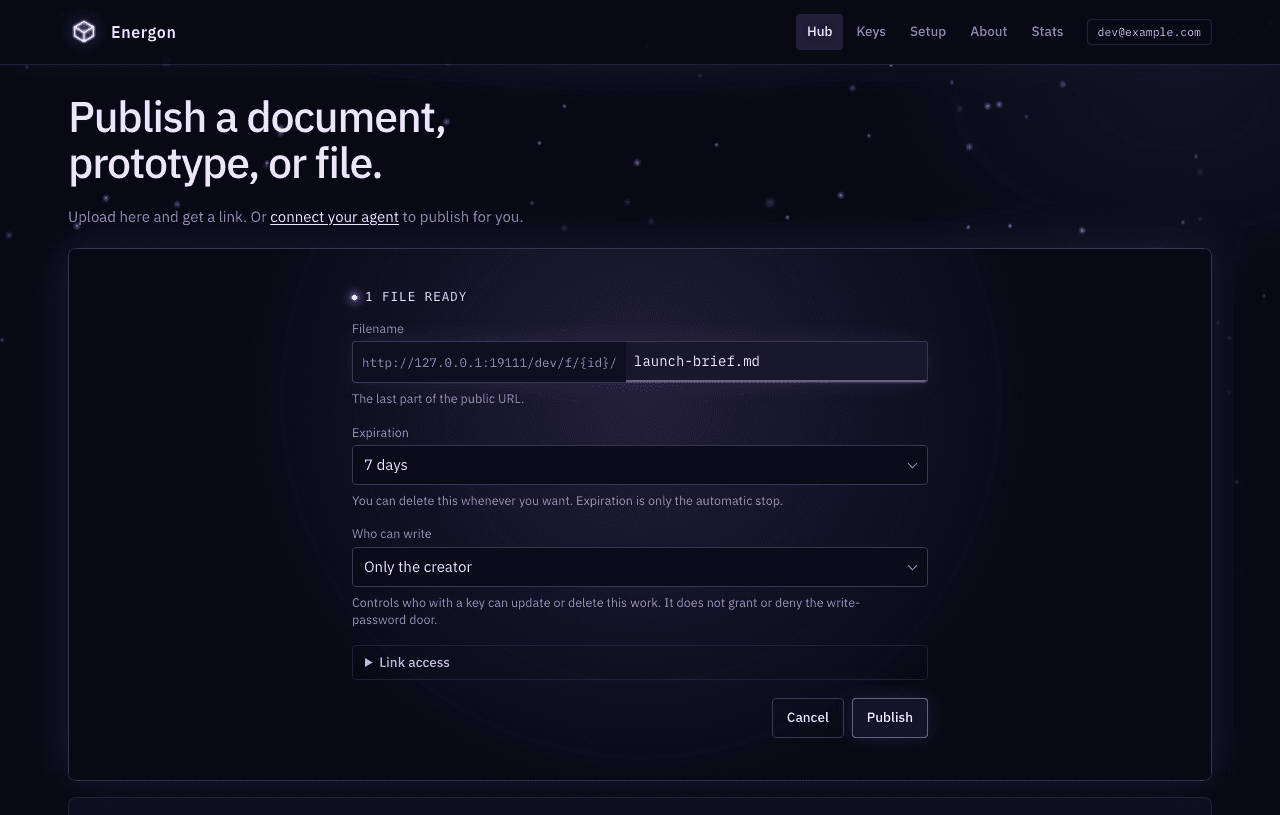
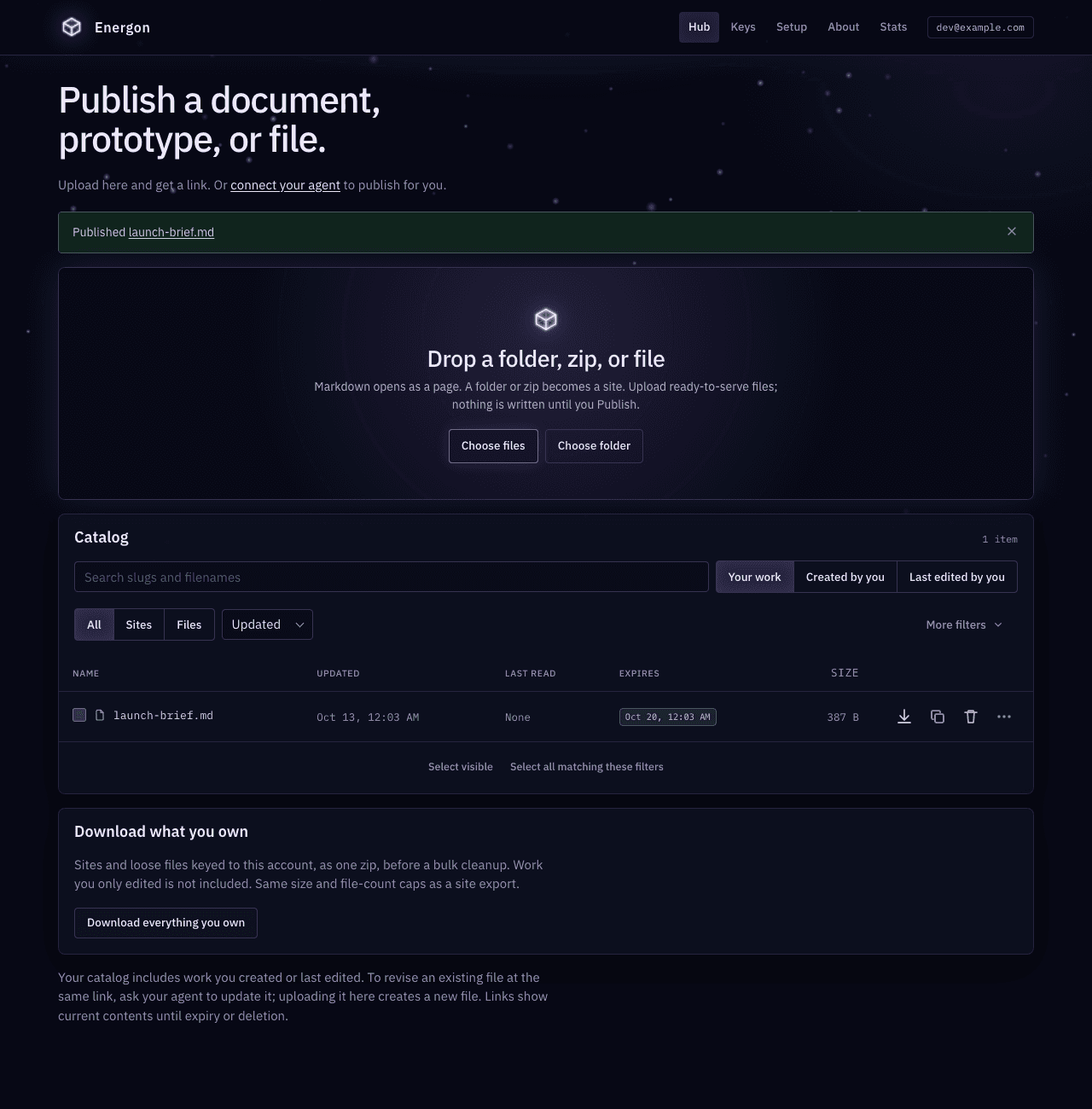
The file appears in your hub catalog whether you published it directly or through an agent. The catalog lists sites and files together; a document glyph before the name marks it as a file.
Open the document
The browser renders the Markdown as a readable page. An unprotected link does not require the reader to sign in to Energon. Agents and curl still receive the source; add ?raw=1 when a browser should skip the rendered page.
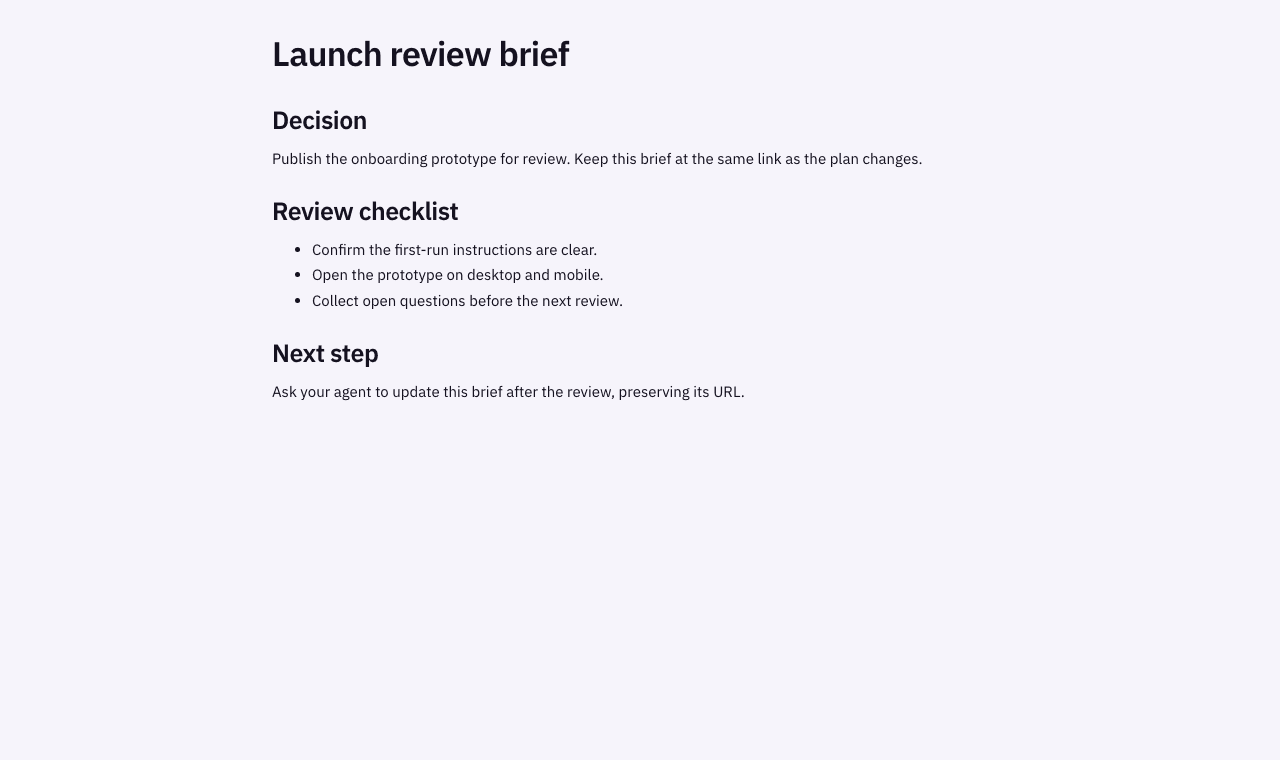
These screenshots show a disposable local Energon with a seven-day document lifetime. Your host and account will differ.
Return to it later
Give the link to the same agent in a later session, or another agent that needs the document:
Read the brief at <published link> as reference and summarize the open questions. Do not change it.Agents can fetch the public URL, supplying the share password if required, or use the authenticated API URL with their own Energon token. A document published privately has no working public URL; agents using your keys read it through the API URL. See Keep work private to your account. Keep credentials separate from the document and link. To let someone outside the host replace the file, set a write password instead of minting them a token; see Let an outside agent update a URL. For a machine that must upload one file once, such as a CI runner, mint a single-use upload grant; see Let a machine upload without a token.
Revise or make a copy
When you want to update the published document, make the intent explicit:
Update the brief at <published link> with the new launch date. Keep its existing URL.The agent checks write permission and replaces the existing object. Refresh the same browser link to see the result. To explore an alternative, ask for an independent copy instead; it has a new identity and its own settings.
Uploading another loose file through the hub creates a new identity. Use an agent or the API to replace an existing file at its current URL. Replacement does not extend expiry, and Energon keeps no revision history.
Publish a prototype next
Prepare a folder with index.html and its assets, building the project first if necessary. Select the folder in the hub, or ask your agent to publish the prepared output as a site. A ZIP uploaded in the hub is unpacked as a site; use the API when an archive should remain one downloadable file. Hub site publish always creates a new id.
Manage shared work covers site imports, updates, and copies. Publish through the HTTP API shows the equivalent requests for scripts and integrations.